
Integrated Project Plan
$20.00
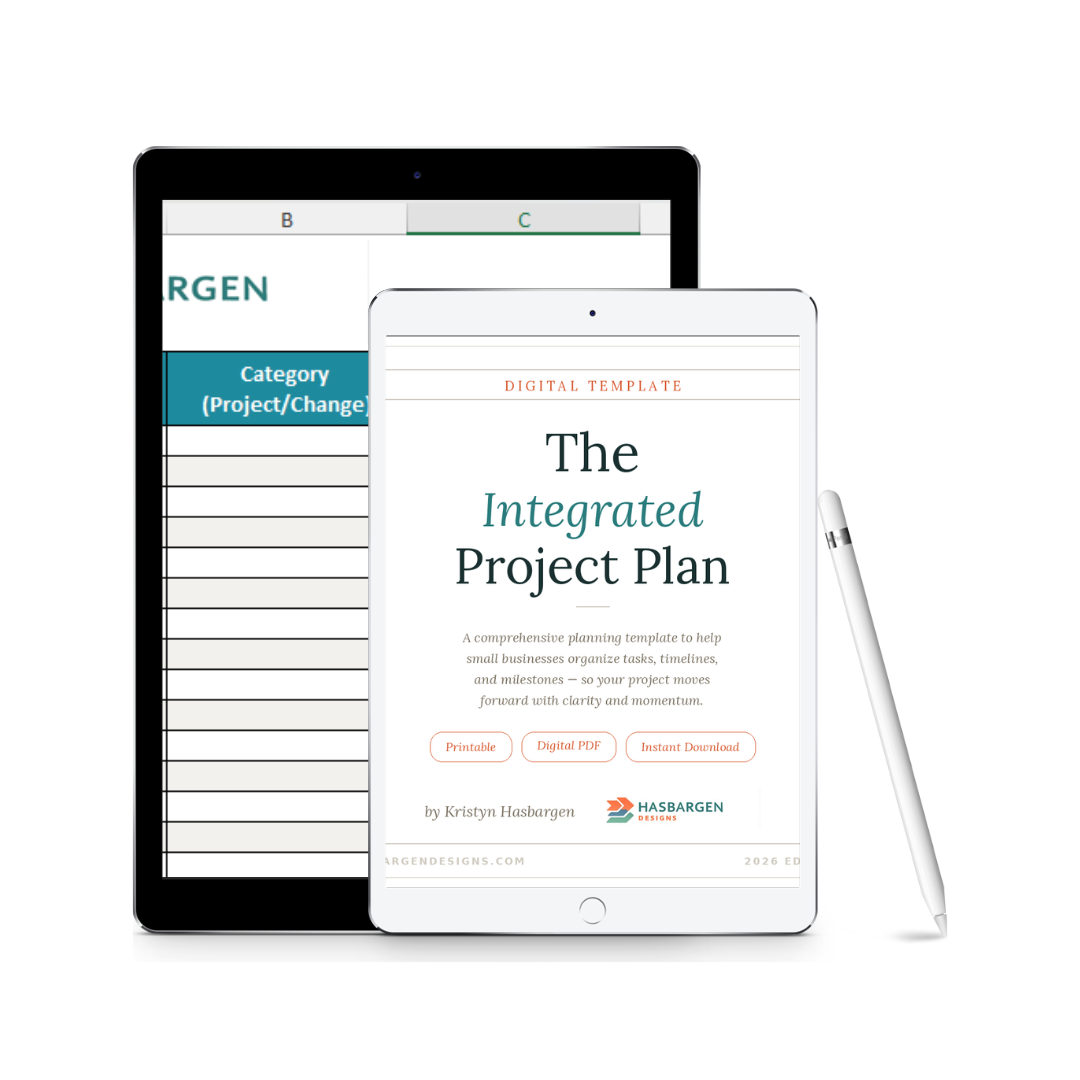
Keep your project organized, aligned, and moving forward with the Integrated Project Plan — an editable Excel tracker that blends project tasks with change‑management activities. Assign owners, track progress, monitor adoption checkpoints, and manage dependencies in one clean, easy‑to‑use template.
The Integrated Project Plan is a practical, easy‑to‑use Excel tracker designed for small businesses and nonprofits that need a clear, actionable way to manage both project tasks and change‑management activities. Instead of juggling multiple spreadsheets or losing track of ownership, this template brings everything together in one organized, intuitive view.
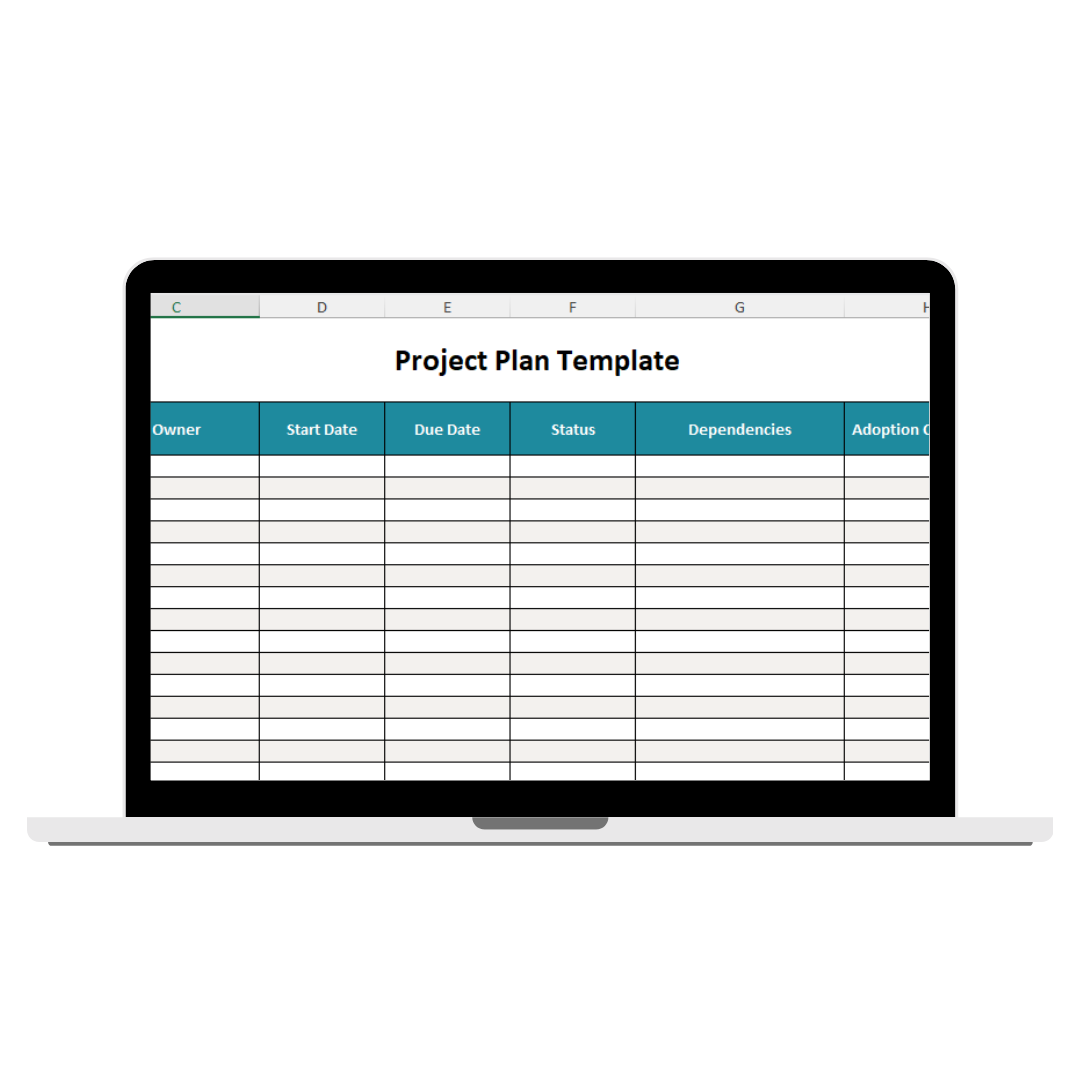
Each row represents a task, and each column helps you capture the details needed to keep your project on track — including ownership, timelines, dependencies, status, and adoption checkpoints. You’ll be able to see what’s on track, what’s at risk, and where additional support or communication may be needed.
Whether you’re implementing new technology, improving processes, or coordinating a multi‑phase rollout, this template helps your team stay aligned from planning through execution. It’s a working tool you’ll update throughout the project to monitor progress, identify risks early, and ensure adoption isn’t overlooked.
Includes both Excel (.xlsx) and Google Sheets versions — use whichever works best for your team.
What This Template Helps You Do
- Organize project and change‑management tasks in one place
- Assign clear ownership and accountability
- Track progress using a simple status legend
- Identify dependencies and risks early
- Monitor adoption checkpoints and readiness
- Keep your team aligned from kickoff through go‑live
- Maintain a single source of truth for the entire project
What’s Included
- Editable Excel project plan
- Task list with space for project and change‑related activities
- Category column to label tasks as Project or Change
- Owner, Start Date, and Due Date fields for clear accountability
- Status column with a built‑in legend (Green, Yellow, Red, Gray)
- Dependencies field to track sequencing and blockers
- Adoption Checkpoint column to monitor readiness and behavior change
- Notes column for context, risks, and decisions
- Example Project Plan tab with sample entries
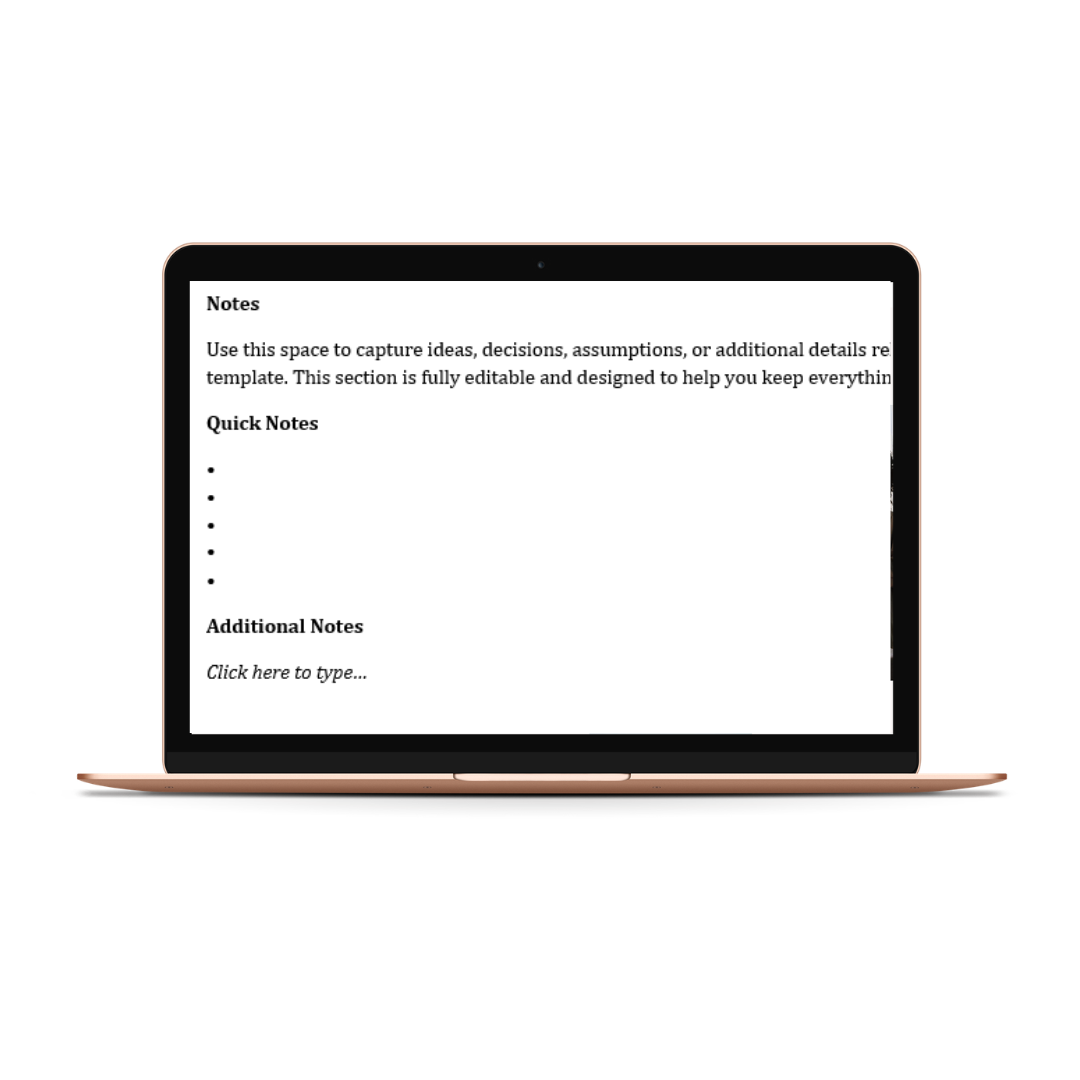
- Notes & Assumptions tab for decisions, risks, and follow‑ups
- Change Log to track updates over time
Want this customized for your team?
This workbook includes examples such as:
“Configure CRM System — In Progress — Waiting on API Keys,” which shows users how to track real project tasks and risks.
Short FAQ – Integrated Project Plan (Excel)
What does this template help me do? It helps you organize project tasks, assign owners, track progress, and monitor change‑management activities in one simple Excel tracker.
Do I need special software to use this? You’ll receive two options: an Excel template (fully editable) and a link to Make a Copy of a Google Sheets version.
Can I reuse this for multiple projects? Absolutely — this plan works for any project, rollout, or multi‑phase initiative.
Is example content included? Yes — the template includes a full Example Project Plan to help you get started quickly.
Can I share this with my team? You may share the completed tracker with your internal team. Redistribution or resale of the original file isn’t permitted.
How do I receive my file? You’ll receive an instant download link to a ZIP file immediately after checkout.
Are digital products refundable? Digital downloads are non‑refundable, but support is always available if you have trouble accessing your files.
More Resources
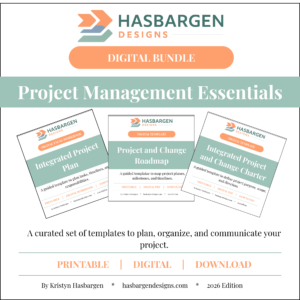
See all Project Management templates.
Check out the Stakeholder and Role Alignment Map.
Check out the Roadmap template.
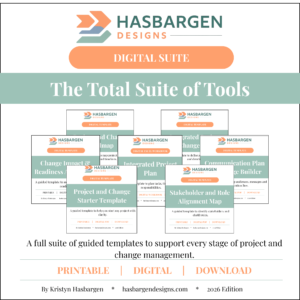
Want everything in one place? Explore the Project Management toolkit.
Learn about my consulting services.
Reviews
There are no reviews yet.