How to Build a Simple Small‑Business Operating System (Without Overwhelm)
Most small businesses don’t struggle because they lack passion or good ideas — they struggle because the work lives in too many places. A task list in one tool, notes in another, a process half‑remembered, a routine that only exists in someone’s head. Over time, the scattered pieces create friction, decision fatigue, and that low‑grade sense of “I’m always behind.”
If you’re new here, my Start Here guide walks you through the simplest way to get organized.

A small business operating system is simply a way to bring all of that into one clear, steady rhythm. It’s not a corporate framework or a complicated software stack. It’s the set of habits, workflows, and tools that help your business run smoothly — so you can spend more time doing the work you’re actually here to do.
The good news is that you don’t need to overhaul everything to feel more grounded. A simple, sustainable operating system can support you whether you’re a team of one, a small staff, or a nonprofit balancing volunteers and shifting priorities. And it starts with clarity, not complexity.
What an Operating System Actually Does (In Real Life)
A small‑business operating system isn’t about perfection — it’s about consistency. When you have a clear structure for how work moves, you:
- Reduce friction and decision fatigue
- Create predictable routines
- Make delegation possible
- Build a foundation for growth
- Spend less time “figuring things out” and more time doing meaningful work
In other words, it gives your business a rhythm — one that supports you instead of draining you.
Learn more about what operational clarity looks like in practice.
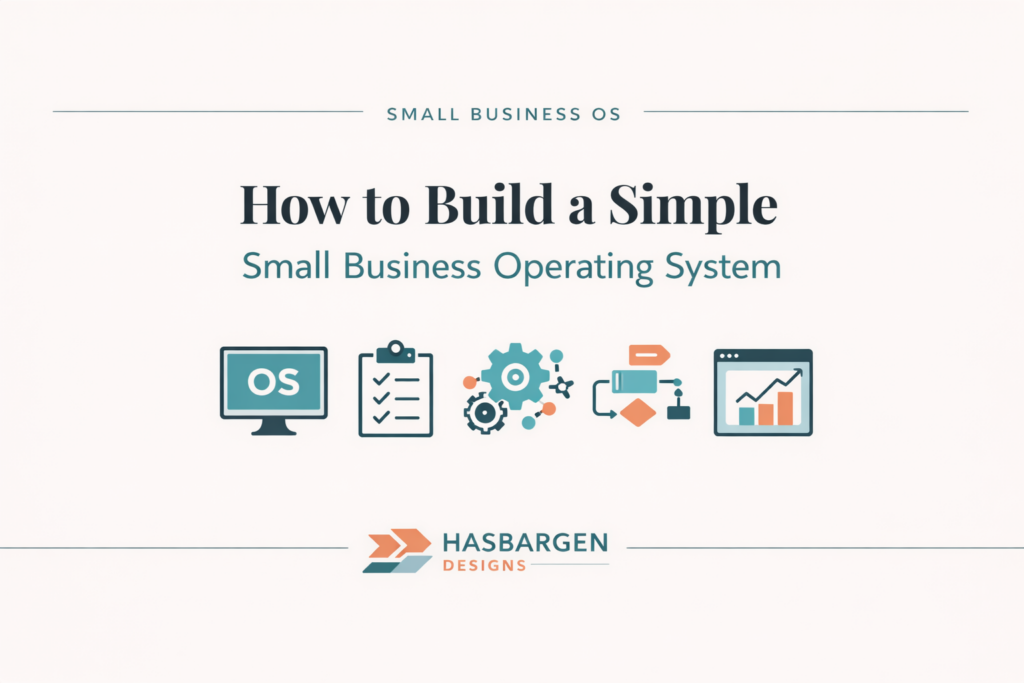
The Five Core Components of a Simple Operating System
Every effective operating system, no matter how simple, includes these five elements:
1. Vision & Priorities
Your north star. This is what helps you decide what matters, what doesn’t, and what can wait.
How to set clear priorities in a small business.
2. Workflows & Processes
The repeatable steps that keep your business running — client onboarding, content creation, finance routines, clear workflows and more.
3. Tools & Platforms
Your “home base” for work. The goal is not more tools — it’s the right tools used consistently.
Here are some tools I recommend for small teams.
4. Communication Rhythm
How information moves. This includes weekly planning, monthly reviews, and simple check‑ins.
5. Metrics & Check‑ins
A lightweight way to stay aligned with your goals and catch issues early.

These components work together to create clarity, reduce overwhelm, and support sustainable growth.
How to Build Your Operating System (Step‑by‑Step)
Step 1: Map What’s Already Happening
Before you build anything new, look at what already exists:
- What’s working well
- What feels unclear
- What’s duplicated or unnecessary
This gives you a grounded starting point instead of reinventing everything.
Step 2: Choose Your “Home Base” Tool
Your home base is where work lives. It could be Asana, ClickUp, Notion, or something else entirely. The tool matters less than the clarity behind it.
How I use Asana to create clarity.
Step 3: Document Your 3–5 Essential Workflows
Start with the routines that keep your business moving:
- Client onboarding
- Content creation
- Finance routines
- Weekly planning
Documenting these doesn’t have to be fancy — clarity beats complexity.

Step 4: Create a Simple Communication Rhythm
A rhythm keeps your system alive. Try:
- Monday planning
- Friday review
- Monthly priorities
- Quarterly reset
This creates stability without adding pressure.
Step 5: Build a Sustainable Habit Around It
Your operating system should evolve with you. Keep it simple, review it regularly, and adjust as needed.
What This Looks Like for Small Teams & Nonprofits
Small teams and nonprofits often feel stretched thin — too many responsibilities, not enough hands. A simple operating system helps by:
- Creating shared clarity
- Reducing duplicated work
- Supporting volunteers or part‑time staff
- Making onboarding easier
- Keeping communication consistent
Your system doesn’t need to be complicated to be effective.
Read this article if you are interested in learning more about how operational clarity supports small nonprofits.
You can see how this plays out in real life in my case studies.
Common Mistakes (And How to Avoid Them)
Here are the pitfalls I see most often:
- Overbuilding too early
- Using too many tools
- No clear owner for processes
- No review rhythm
- Trying to copy someone else’s system
Your operating system should fit your business — not someone else’s.
A Simple Example Operating System
Here’s what a lightweight, sustainable system might look like:
- Home base: Asana
- Weekly rhythm: Monday planning, Friday review
- Core workflows: onboarding, content creation, finance routines
- Monthly: priorities + metrics
- Quarterly: clarity reset
This is enough to create stability without adding complexity.
Conclusion — Start Simple, Stay Consistent
A small‑business operating system isn’t about building something perfect. It’s about creating a clear, supportive structure that helps your business run smoothly — and helps you feel grounded.
Start with what you have. Keep it simple. Let it evolve. Clarity compounds.
Tools to help you build your operating system.
FAQ: How to Build a Simple Small‑Business Operating System
Q1: What is a small‑business operating system? A small‑business operating system is the set of workflows, tools, and routines that keep your business running smoothly. It’s a simple structure for how work gets captured, organized, and completed so you’re not relying on memory or scattered notes.
Q2: Do I need special software to build an operating system? No. You don’t need special or expensive software. You can use tools you already have — like Asana, ClickUp, Notion, or even a spreadsheet — as long as you use them consistently and they support clear workflows.
Q3: How simple can a small‑business operating system be? It can be very simple. For many small businesses, an operating system is just one home‑base tool, a few documented workflows, and a weekly planning and review rhythm. The goal is clarity, not complexity.
Q4: How long does it take to set up a basic operating system? Most small businesses can set up a basic operating system in a few focused sessions. You can start by mapping what’s already happening, choosing a home‑base tool, and documenting 3–5 core workflows, then refine over time.
Q5: Is a small‑business operating system only for larger teams? No. Solo business owners, small teams, and nonprofits can all benefit from a simple operating system. It helps reduce overwhelm, makes delegation easier, and creates a stable structure even when capacity is limited.